Fitness Apps Integrated with Oura and Whoop for HRV Control
Discover which fitness apps integrate with your Oura or Whoop HRV data, how to set them up, and how SensAI turns recovery metrics into daily readiness summaries and weekly programs.

SensAI Team
8 min read
Get a training plan that adapts to your recovery — free on iOS

Your wearable collects heart rate variability data every night. Your fitness app ignores it. The disconnect between what you measure and what you train by wastes the most actionable metric your body produces.
HRV tells you when to push and when to recover. Without integration, that signal sits unused while you follow a static plan that treats Monday the same whether you slept eight hours or four. Tools like SensAI bridge this gap by bringing your Oura or Whoop sleep and heart-rate data into workout planning through Apple Health, while HRV reaches SensAI only from an Apple Watch. The right integration transforms passive tracking into active training guidance.
This guide covers which apps actually connect with your HRV data, how to set them up properly, and what to expect once recovery data starts informing your training decisions.
Why HRV Integration Matters for Training
Heart rate variability measures the variation between consecutive heartbeats. Higher HRV generally indicates better recovery and readiness for intense training. Lower readings signal accumulated stress, inadequate sleep, or incomplete recovery from previous sessions.1
Static training programs ignore this signal entirely. They prescribe the same workout regardless of whether your body is primed for a breakthrough or needs an easier day. This mismatch leads to two problems:
Pushing when you should recover - Training hard on low HRV days compounds stress rather than building fitness. You accumulate fatigue faster than adaptation.2
Holding back when you could push - High HRV days represent opportunities for productive stress. Missing these windows slows progress.
Understanding how HRV functions as a recovery signal turns abstract numbers into training decisions. When your fitness app accesses this data automatically, it can create useful guidance without manual logging or guesswork.
The technical challenge lies in getting the data from your wearable to your training app. Most wearables use proprietary APIs that require specific integration work from app developers. This is why not every fitness app supports every wearable equally.
Top Fitness Apps with Oura and Whoop HRV Integration
Several apps have built direct or indirect pathways to your HRV data. Each takes a different approach to integration.
| App | Oura Integration | Whoop Integration | Integration Method | Primary Use Case |
|---|---|---|---|---|
| SensAI | Sleep, heart rate, workouts via Apple Health (no HRV) | Sleep, resting heart rate, workouts via Apple Health (no HRV) | Apple Health bridge | Daily readiness and weekly programs |
| Intervals.icu | Direct API | Direct API | Native integration | Endurance training analysis |
| Athletica | Via Intervals.icu | Via Intervals.icu | Third-party bridge | AI-driven endurance coaching |
| Coach Catalyst | Direct API | Not supported | Native integration | Coach-client training management |
| TrainerRoad | Not supported | Not supported | N/A | Structured cycling training |
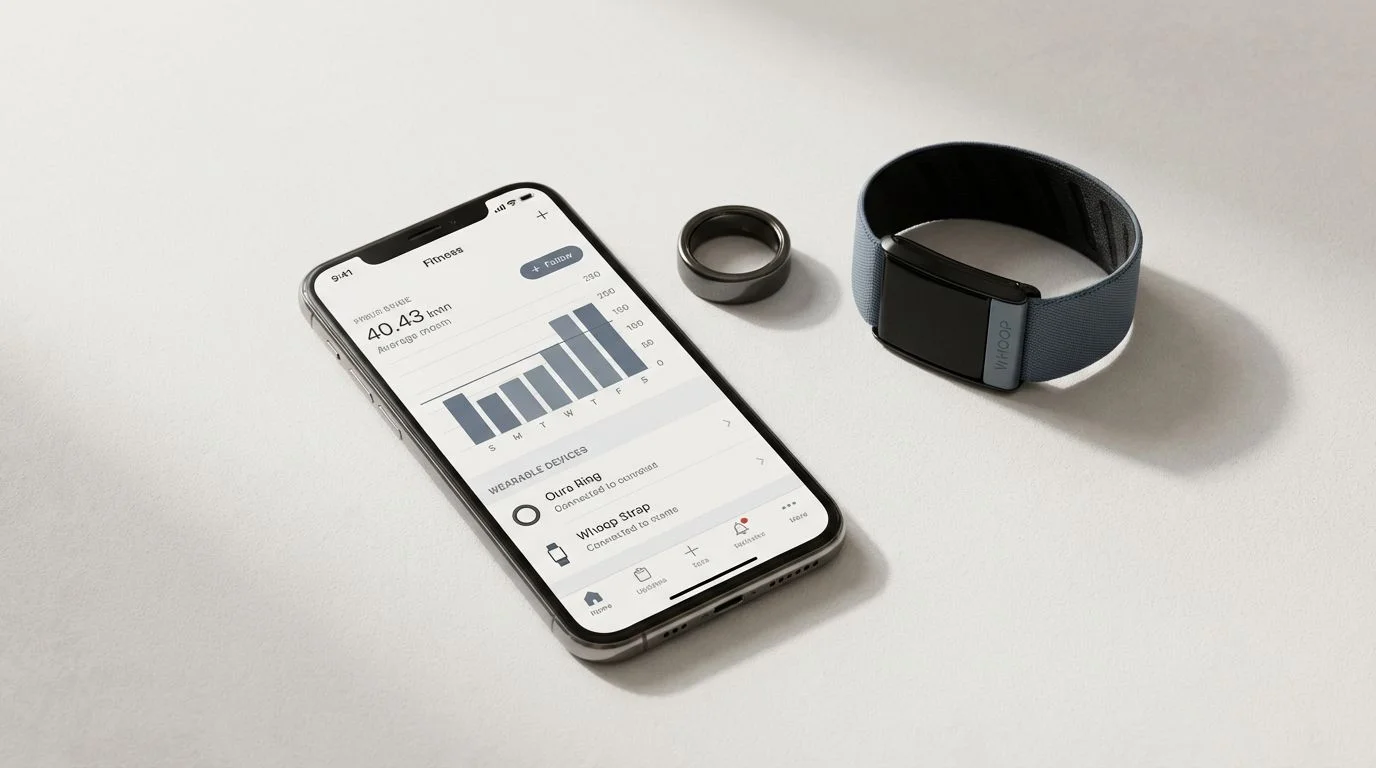
SensAI is an iOS app that reads Oura and Whoop data through Apple Health: sleep, heart rate, respiratory rate, and workouts from Oura, and sleep, resting heart rate, respiratory rate, blood oxygen, and workouts from Whoop. Neither writes HRV to Apple Health, so SensAI’s HRV comes only from an Apple Watch. The app uses that context for a daily readiness summary and regenerates your program weekly from actual performance and recovery; it does not change daily workout intensity automatically.
Intervals.icu stands out for direct Oura and Whoop integration. The platform syncs HRV (rMSSD) alongside sleep data, resting heart rate, recovery scores, and respiratory metrics. Polling happens every eight hours with the option to sync historical data.
Athletica accesses HRV data through its Intervals.icu integration rather than directly from wearables. If you already use Intervals.icu for training analysis, Athletica can leverage that existing data connection.
Coach Catalyst provides direct Oura integration for coaches managing multiple athletes. Recovery data flows into client dashboards for training adjustments.
TrainerRoad currently lacks direct Oura or Whoop integration despite community requests. Users have asked for this feature since 2024, but the development team has expressed skepticism about day-to-day HRV reliability as a training modifier.
Setting Up HRV Integration
SensAI reads Oura and Whoop data through Apple Health, with no direct vendor connection. Oura sends sleep, heart rate, and workouts, and Whoop sends sleep, resting heart rate, and workouts, but neither sends HRV, which reaches SensAI only from an Apple Watch. Setup steps for every device live in our step-by-step connection guide.
Other apps follow similar patterns. Intervals.icu and Coach Catalyst offer direct API connections through their settings panels. Apps without native integration typically use Apple Health as a bridge, where your wearable pushes data to Apple Health and the fitness app reads from that central repository.
How HRV Data Enhances Workouts
Raw HRV numbers mean little without context. The value comes from how apps interpret trends and adjust recommendations.
| HRV Pattern | What It Indicates | Training Adjustment |
|---|---|---|
| Consistently high (above baseline) | Good recovery, low stress | Opportunity for higher intensity |
| Consistently low (below baseline) | Accumulated fatigue or stress | Reduce volume, prioritize recovery |
| Single-day dip | Possible poor sleep or acute stressor | Lighter session, monitor next day |
| Single-day spike | May indicate incomplete data or anomaly | Train normally, verify reading |
| Declining trend over 7+ days | Overreaching or under-recovery3 | Deload week recommended |
Effective HRV-integrated apps track your baseline over weeks, not just daily readings. A single low reading matters less than a pattern of declining values.
Your wearable data becomes actionable fitness insight when the app connects the dots between recovery metrics and workout prescriptions. Daily guidance can reflect readiness, while actual performance and recovery shape the next weekly program.
Comparing Privacy and Data Security Features
Your HRV data reveals patterns about sleep quality and stress levels alongside recovery status. Before connecting apps, understand how each handles your information.
Key privacy factors to consider:
- Third-party data sharing policies
- Data export and deletion options
- Storage location (local vs cloud)
- Data retention after account cancellation
Not all apps handle these questions the same way. Some prioritize user control while others retain more access to your information. The table below breaks down how each major HRV-integrated app approaches data privacy.
Data handling comparison:
| App | Data Storage | Third-Party Sharing | Export Options | Deletion Rights |
|---|---|---|---|---|
| SensAI | Raw HealthKit data on-device; aggregated recovery metrics and workout summaries server-side | Not sold | Available | Full deletion |
| Intervals.icu | Cloud (user-controlled) | Minimal | Full export available | User-controlled |
| Athletica | Cloud | Training data only | Available | On request |
| Coach Catalyst | Cloud | Coach access only | Coach-dependent | On request |
Many apps require cloud storage to sync across devices and provide coaching features. SensAI handles the boundary differently: raw HealthKit data stays on your device, while only aggregated recovery metrics and workout summaries are sent server-side for AI coaching. SensAI does not sell that data. Evaluate whether each app’s training benefits and data practices fit your situation.
Choosing the Best HRV-Integrated Fitness App for Your Goals
Your primary training focus should guide app selection.
For endurance athletes: Intervals.icu offers the deepest integration and analysis tools. The platform was built for endurance training with robust HRV and recovery tracking. Athletica adds AI-driven training adjustments on top of similar data access.
For general fitness and strength training: SensAI provides daily readiness summaries across training modalities and regenerates your program weekly. Its HRV input requires an Apple Watch; with Oura or Whoop alone, it works from sleep, heart rate, and training data. Rather than specializing in one sport, it combines actual performance and recovery context with varied training goals.
For coaches managing multiple clients: Coach Catalyst provides dashboard views of client recovery data. The Oura integration helps coaches make informed decisions about individual training loads.
For structured cycling programs: TrainerRoad excels at progressive cycling training but currently lacks HRV integration. If recovery-based adjustments matter to you, supplement with another app for that purpose.
Maximizing Your Workouts with SensAI
SensAI reads recovery data from Apple Health, not from Oura or Whoop directly. Its HRV comes only from an Apple Watch; Oura and Whoop contribute sleep, heart rate, and workouts, and their Readiness, Recovery, and Strain scores never cross. Unlike static programs, it uses actual performance and recovery when regenerating your weekly program.
How SensAI uses Apple Watch HRV and your other recovery data:
- Creates a daily readiness summary from recovery trends
- Suggests recovery options when Apple Watch HRV trends decline
- Uses performance and recovery when regenerating the weekly program
- Changes a workout mid-session only when you request it in chat
The difference from generic workout apps is context. SensAI maintains awareness of your sleep quality, Apple Watch HRV trends, and training history. That context shapes the daily readiness summary and the next weekly program rather than following a predetermined schedule. This approach helps you stay motivated and maintain workout consistency because your programming reflects what you completed and how you recovered.
Explore the complete guide to AI personal training to understand how adaptive coaching responds to your unique recovery patterns.
FAQs about HRV Data-Integrated Fitness Apps
Which fitness apps have direct Oura integration?
Intervals.icu and Coach Catalyst offer direct Oura API integration. SensAI and several other apps connect to Oura data through Apple Health as an intermediary; Oura writes sleep, heart rate, and workouts there, but not HRV. Athletica accesses Oura data through its Intervals.icu integration rather than directly.
Can I use Whoop data with TrainerRoad?
TrainerRoad does not currently support Whoop integration. Community members have requested this feature, but the development team has not announced implementation plans. You would need to use a separate app for HRV-based training adjustments.
How often does HRV data sync between apps?
Sync frequency varies by integration. Intervals.icu polls Whoop data every eight hours. Apple Health connections typically sync when the source app updates, which happens after each Oura or Whoop session sync, though neither writes HRV to Apple Health. Check your specific app settings for sync schedules.
Is Apple Health integration as reliable as direct API connections?
Apple Health integration works well when configured correctly. The main difference is that data passes through an intermediary rather than directly between apps. This can occasionally cause delays or require troubleshooting if either app stops syncing to Apple Health.
What should I do if my HRV data stops syncing?
First, verify both apps have Apple Health permissions enabled. Check that your wearable is syncing to its native app. Revoke and re-authorize the connection if needed. Most sync issues stem from permission changes after iOS updates.
How accurate is wearable HRV data compared to medical-grade monitors?
Consumer wearables measure HRV using photoplethysmography (optical sensors) rather than electrocardiography. While less precise than medical equipment, modern wearables provide sufficiently accurate trend data for training purposes.4 Consistency in measurement conditions matters more than absolute accuracy.
References
Footnotes
-
“Heart Rate Variability Applications in Strength and Conditioning.” National Institutes of Health, PMC. https://pmc.ncbi.nlm.nih.gov/articles/PMC11204851/ ↩
-
“The role of heart rate variability in sports physiology.” National Institutes of Health, PMC. https://pmc.ncbi.nlm.nih.gov/articles/PMC4840584/ ↩
-
“Does Heart Rate Variability Detect Overtraining?” Human Performance Alliance. https://humanperformancealliance.org/playbook/does-heart-rate-variability-detect-overtraining/ ↩
-
“Assessing the Accuracy of Popular Commercial Technologies That Measure Heart Rate Variability.” Frontiers in Sports and Active Living. https://www.frontiersin.org/journals/sports-and-active-living/articles/10.3389/fspor.2021.585870/full ↩